1
Before You Start
Review these steps before installing
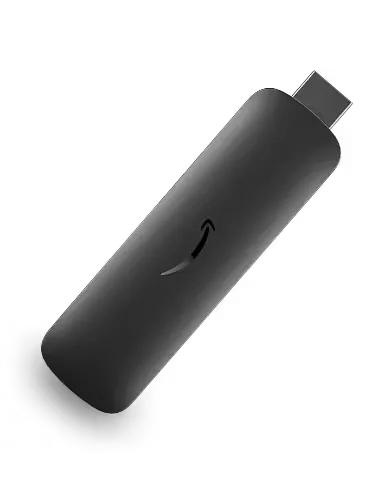
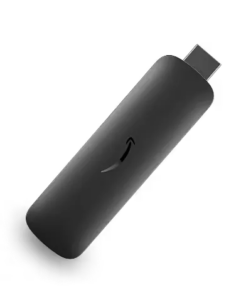
your Amazon Signage Stick
Get ready to display art on your screen
To start, ensure you've followed how to connect your stick to your screen and have the following ready:
You can register through the Niio mobile app, available on Google Play and the App Store, or by visiting Niio.com on your web browser.
Register instantly: select your preferred sign-up method using Apple ID, Google, Facebook, or your Email. Artists and galleries can immediately create a Free Pro Account to begin using professional management tools.
CompletedUse the pairing feature to link your TV to your Niio account. First, ensure your mobile device and TV are connected to the same Wi-Fi network.
How to pair your display using a QR code:
Make sure that these baseline settings are configured in your Niio player:
Contact the Niio team to finalize the installation and perform first usage checks
Get ready to display art on your screen
To start, ensure you've followed how to connect your stick to your screen and have the following ready:
You can register through the Niio mobile app, available on Google Play and the App Store, or by visiting Niio.com on your web browser.
Register instantly: select your preferred sign-up method using Apple ID, Google, Facebook, or your Email. Artists and galleries can immediately create a Free Pro Account to begin using professional management tools.
CompletedUse the pairing feature to link your TV to your Niio account. First, ensure your mobile device and TV are connected to the same Wi-Fi network.
How to pair your display using a QR code:
Make sure that these baseline settings are configured in your Niio player:
Contact the Niio team to finalize the installation and perform first usage checks
Almost There:
Your Space Is About to Come Alive!
Almost There:
Your Space Is About to Come Alive!